


Java · Paper 1.21
GodsLegendaries
The four legendary weapons: abilities, cooldowns, effects and staff commands.
/givelegendary <weapon> <player>
/legendarylist

A Minecraft event server, built for my friends.
What I did
Everything: the brand, the in-game graphics, the website, the installer, the Java plugins, the server design and the automation between server and site.
Built withJava 21 · Paper API 1.21 · Maven · ItemsAdder · Python · Tkinter · PyInstaller · Modrinth API · Fabric · HTML · CSS · JavaScript · Node.js · three.js · skinview3d · Blender
A passion project
Gods Games is a Minecraft event server for the friends I grew up gaming with. It isn’t meant for hundreds of players, but for the people I’ve shared thousands of hours with, so we always have a reason to get together again.
Because it’s mine, I built it down to the last pixel: the identity, the in-game graphics, the website, the installer, the plugins, the rules and the rhythm of a match.
“It never mattered what I played. It always mattered who I played with.”
Visual identity
In the logo, the last letter of GODS turns into a lightning bolt: gods strike, and the name carries its own symbol. The bolt also lives on its own, as the icon for the installer, the favicon and the taskbar. The letters are heavy and slightly sharp, like a game cover, and the line underneath says what the server really is: a competition between friends who stay together.
Rise among Gods. Remain as One.



Deep black, like an arena at night, and lightning yellow, used only where it matters: the download button, the winner, the countdown to the next event. Cool greys keep the interface calm, and red shows up only for warnings.
#000000background#0F0F0Fsurfaces#16181Ctables, cards#FACC15accent#F0F0F0text#9CA3AFsecondary text#EF4444warningsBebas Neue for headlines, tall and condensed like a tournament poster. Rubik for text, rounded and friendly, easy to read on a phone too.
Rise among Gods.
ABCDEFGHIJKLMNOPQRSTUVWXYZ 0123456789
A competition between friends who stay together.
AĂÂBCDEFGHIÎJKLMNOPQRSȘTȚUVWXYZ aăâbcdefghiîjklmnopqrsștțuvwxyz
In-game graphics
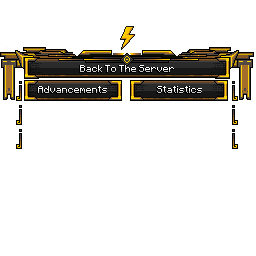
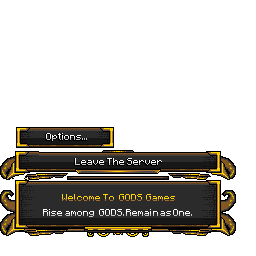
I redrew Minecraft’s pause menu in the Gods identity: golden frames worked pixel by pixel, new buttons and a welcome message. The game doesn’t allow this through settings, so every button is replaced through a resource pack, with images placed to the pixel over the original interface.
Legendary weapons
At the Cornucopia, in the middle of the map, each legendary weapon can be crafted only once per match. My plugin, GodsLegendaries, gives them their abilities, cooldowns and effects, while the 3D models, which I also made, reach players through the server’s resource pack. Pick a weapon and turn it around.
The match
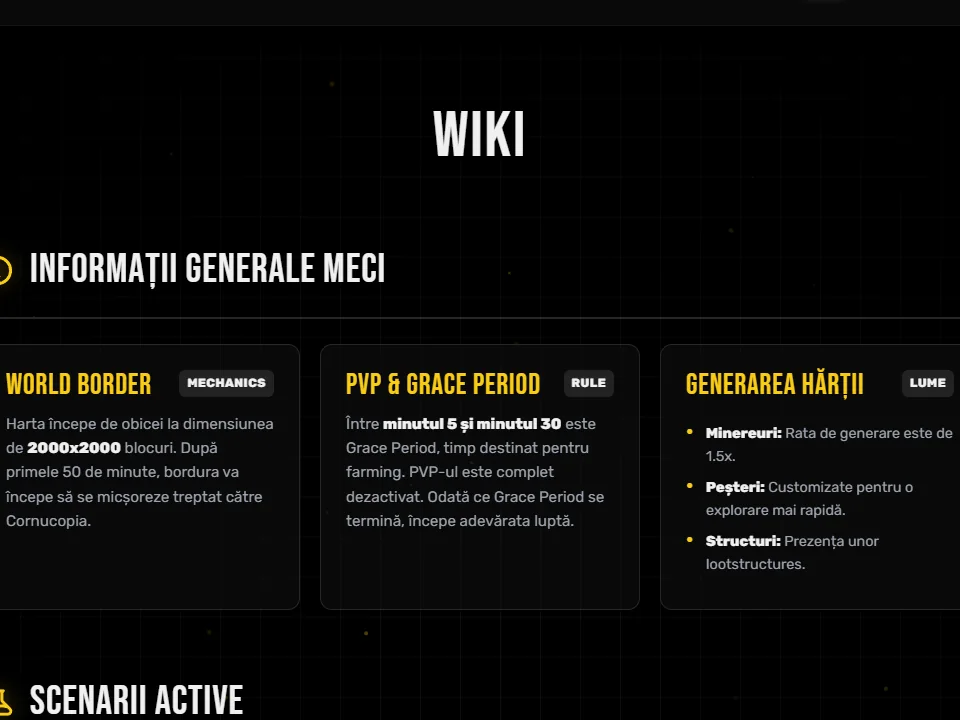
A match has a rhythm written in code. One plugin runs the timeline: the countdown, the no-PvP preparation, the Nether opening and closing, then the storm. A second one, StormVisual, makes it visible: a wall of energy built from blocks that closes smoothly toward the centre, hurts anyone left outside and tints their screen red.
The plugin’s flow, compressed. Titles and messages are the in-game ones, translated from Romanian.
Automation
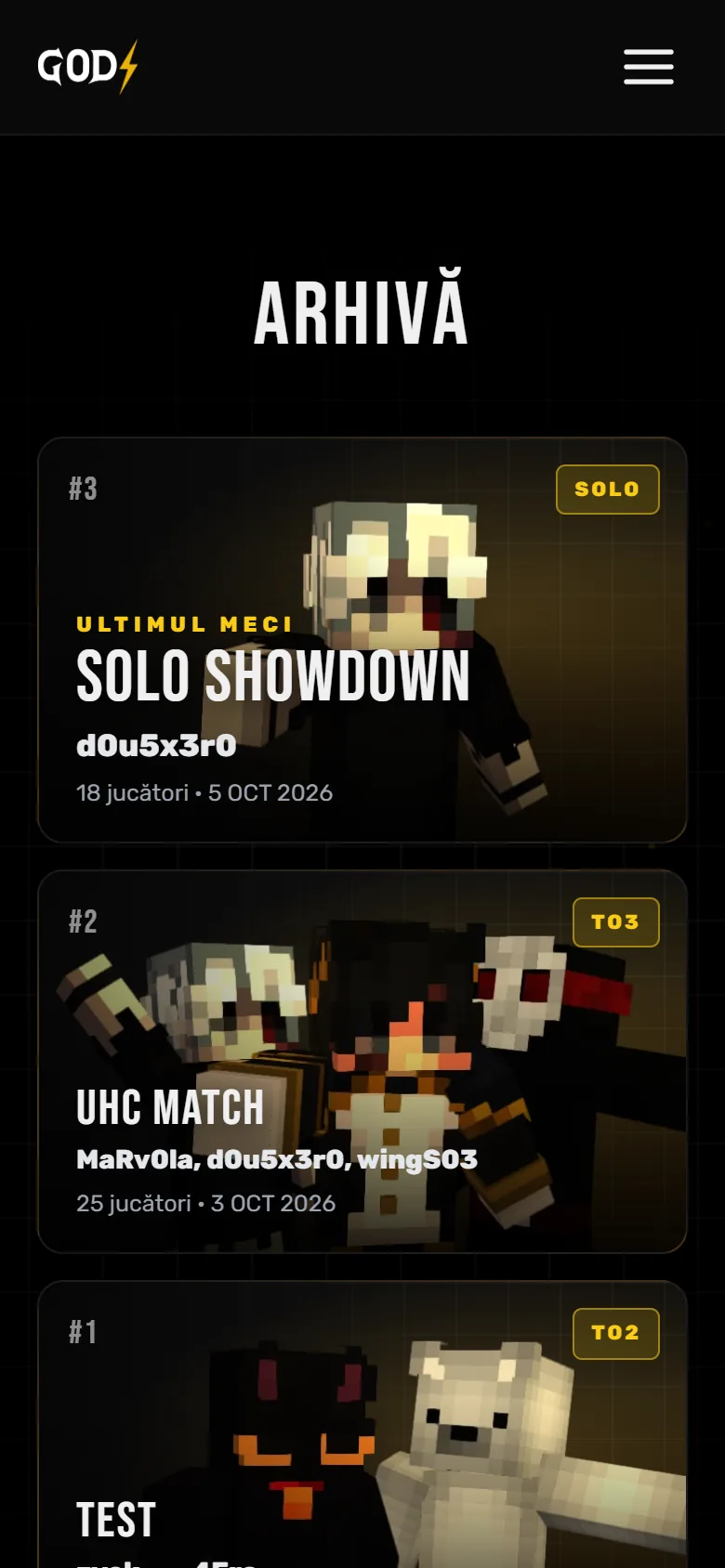
Nobody types results by hand. When a match ends, the server sends the data to the website: who won, who eliminated whom, how long it lasted. The leaderboard recalculates, the match enters the archive with its own page, and the share image renders itself, ready to post on Discord.
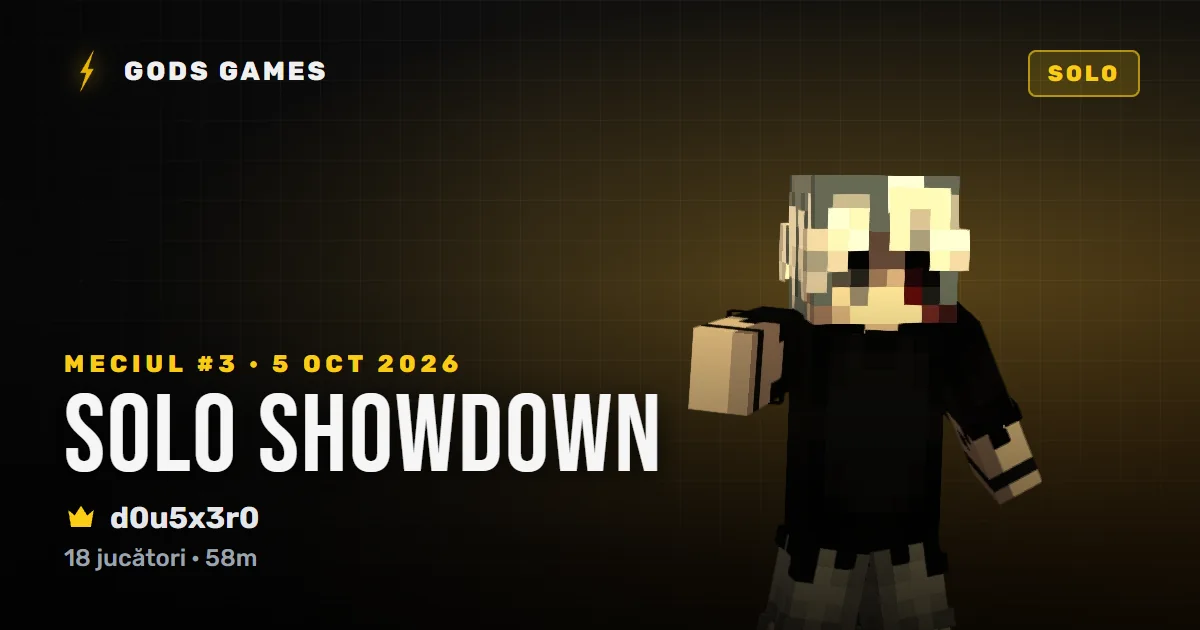
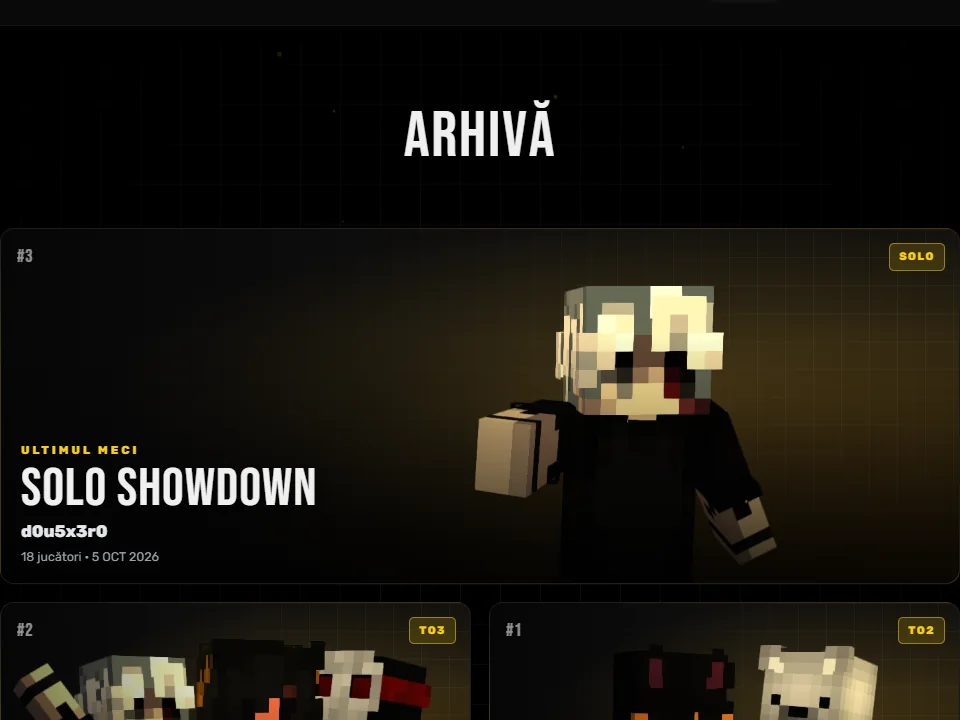
Every match gets its own page: who won, who eliminated whom and when. This is the timeline of an 18-player solo match, exactly as it appears on the website.
 d0u5x3r0d0u5x3r06
 MaRv0la3
 AnZwA2
MaRv0la is me.
AnZwAkilled Mad27d0u5x3r0killed
 Raffael
 MarioMROfell from a high placeMaRv0lakilled
 duiculeted0u5x3r0killed
 ErminMatreataAnZwAkilled
 DuMyZwAMaRv0lakilled
 wingS03d0u5x3r0killedAnZwAMaRv0lakilled
 Satoru1308d0u5x3r0killed
 DangerPekkad0u5x3r0killed
 Frostohhd0u5x3r0killedMaRv0lad0u5x3r0won the game
The installer
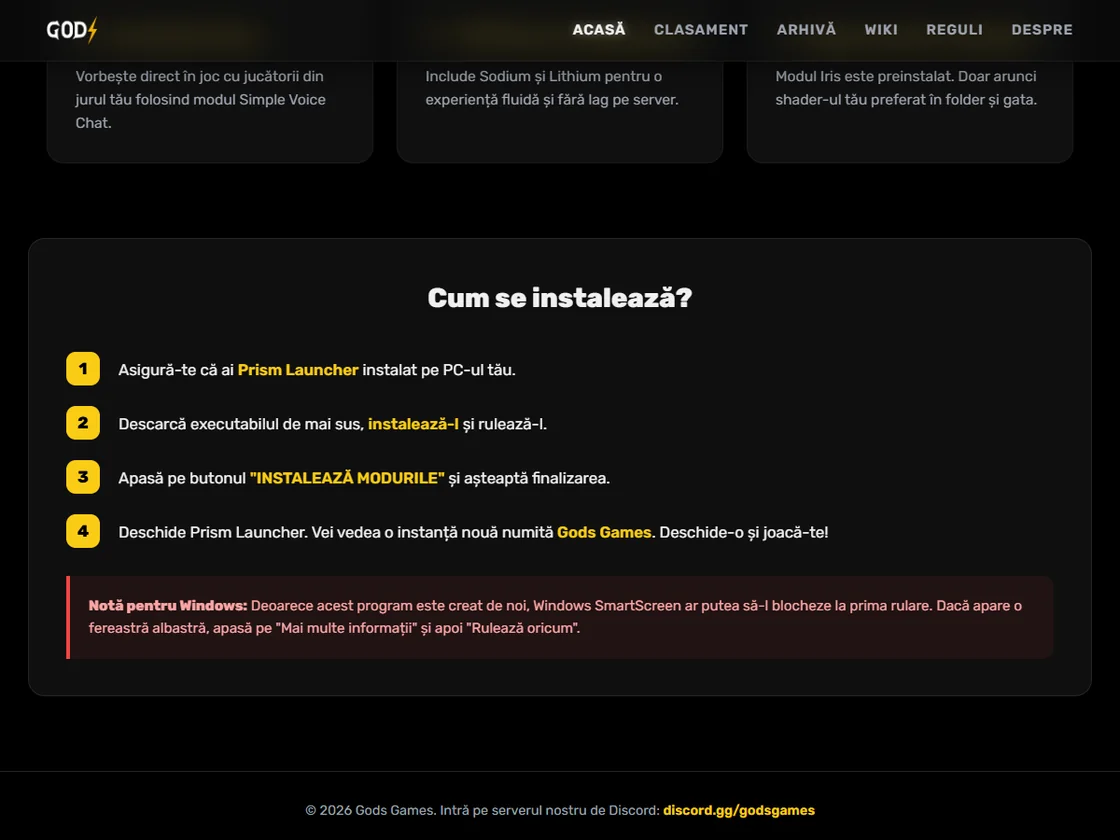
So friends don’t lose an evening installing mods, I built a Windows app in Python. It creates the Gods Games instance in Prism Launcher with the right Minecraft and Fabric versions, then downloads the latest version of every mod from Modrinth: voice chat, FPS optimisations, shaders.
In-page replica of the app: nothing is downloaded.
Gods Games — Mod InstallerMod Installer • Minecraft 1.21.x • Fabric
Mods included in the instance (10)
Ready to install
Gods Games • play.godsgames.ro • discord.gg/godsgames
The website
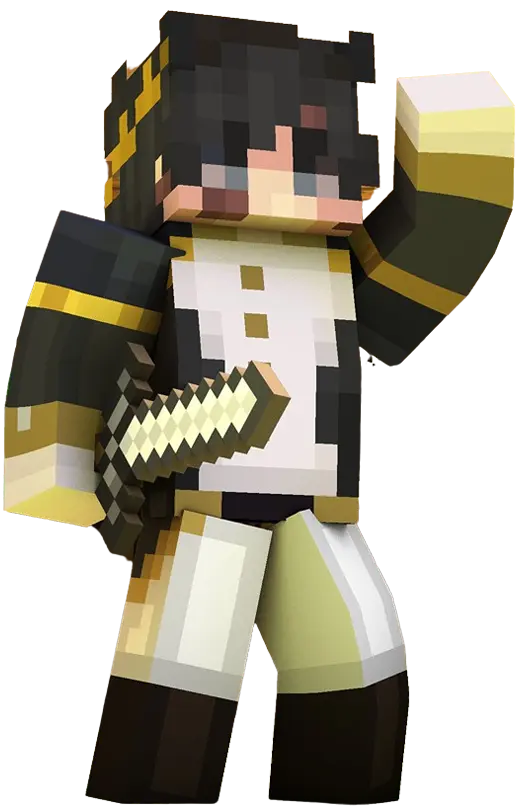
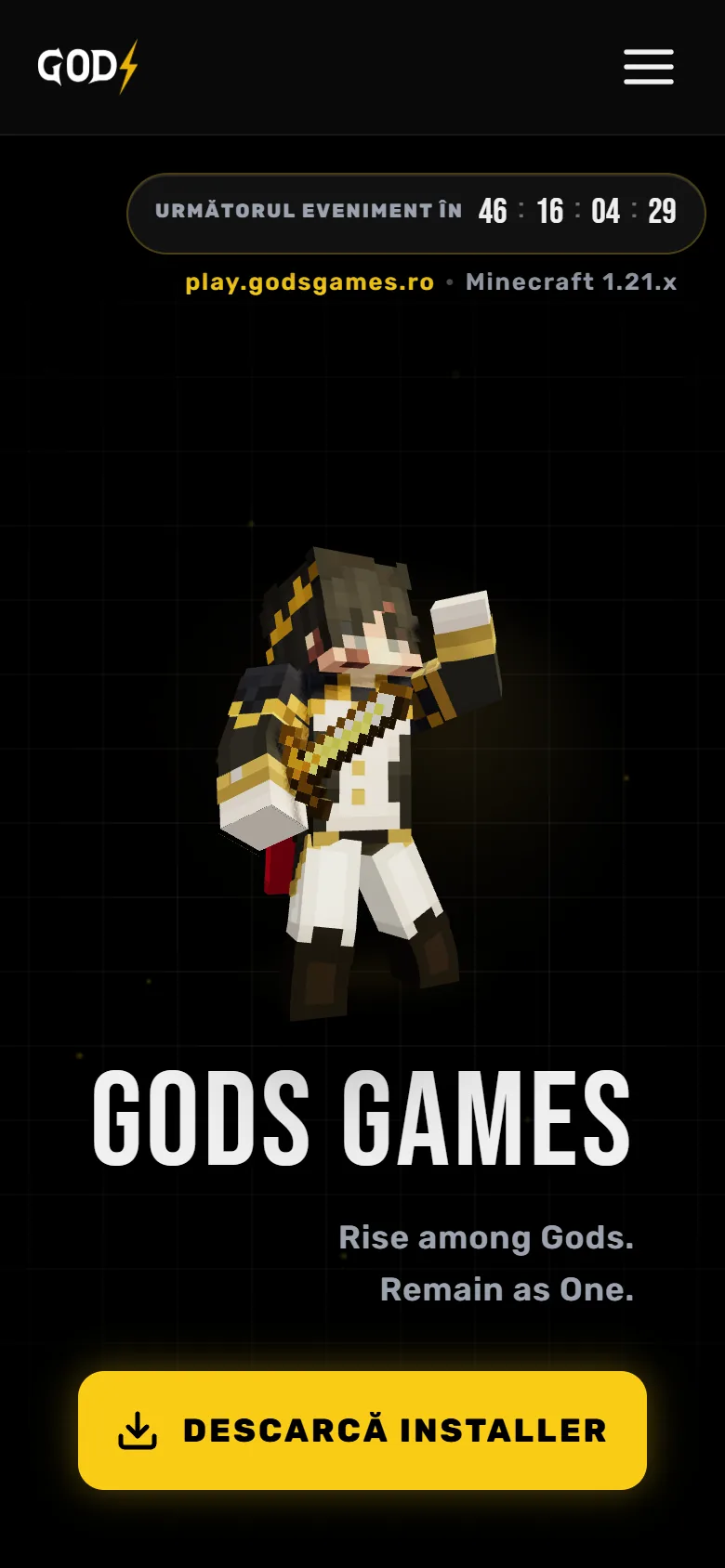
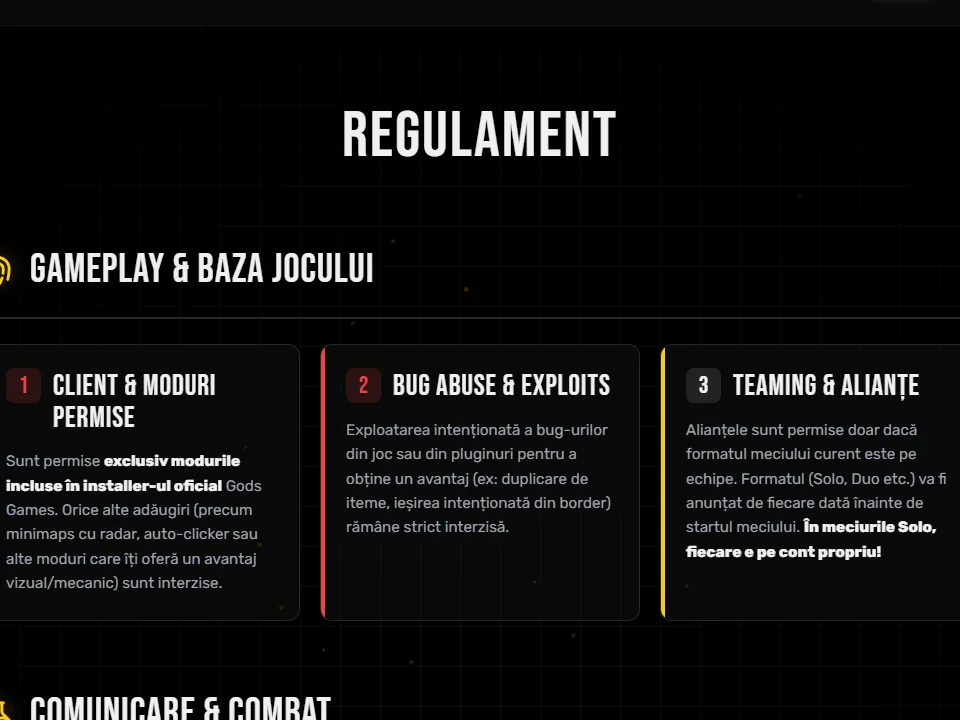
Seven pages: home, leaderboard, archive, match pages, wiki, rules and our story. The opening belongs to the server’s character, modelled in Blender and rendered in 3D right in the browser, with the golden sword and the cape, breathing and following the cursor with its eyes. A countdown shows how long until the next event, and the yellow button downloads the installer.
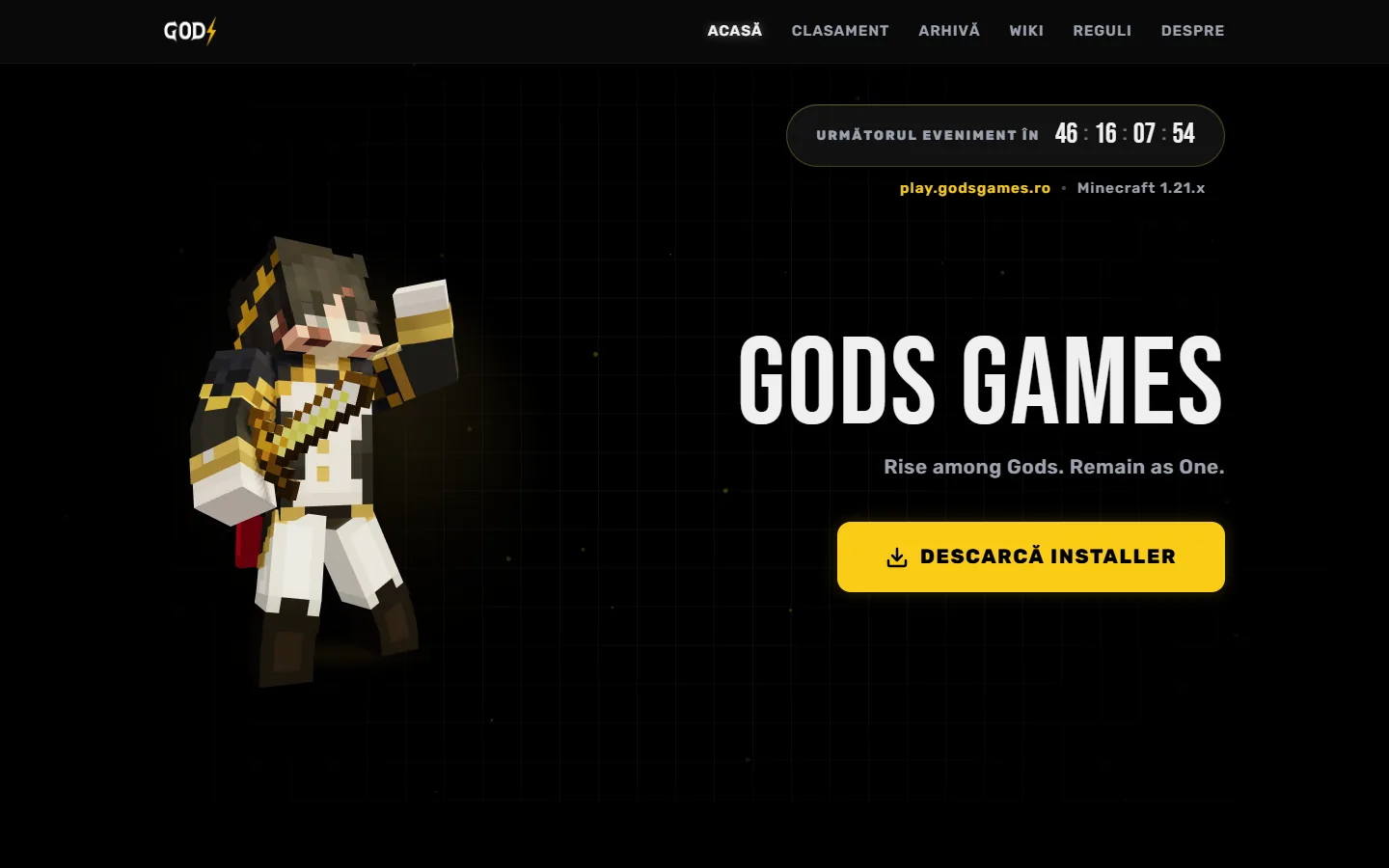
Visit the site godsgamestest.netlify.app · test version ↗
Under the hood
Three Java plugins I wrote on Paper 1.21, next to existing plugins I configured and wired together: permissions, the player list, voice chat, map editing, the resource pack. Every change goes through the test servers first.
Java · Paper 1.21
The four legendary weapons: abilities, cooldowns, effects and staff commands.
/givelegendary <weapon> <player> /legendarylist
Java · Paper 1.21
The visible storm: a wall of blocks that closes smoothly, damage and a red screen for anyone left outside.
storm.admin
Java · Paper 1.21
The match timeline: countdown, grace period, the Nether, the storm, Cornucopia protection and the finale.
GameStateChangeEvent → timeline
Next project
03 Oglinda ClasicăA photo mirror for events, with online galleries and contracts.